Why Both Types of Clutter Cause Stress
Most people assume that going paperless automatically means getting organized. It doesn't. Digital disorganization - overflowing inboxes, unnamed files, duplicate downloads, and unstructured cloud storage - triggers the same low-grade anxiety as a stack of unsorted mail. The stress isn't really about the medium; it's about the mental load of not knowing where things are or what still needs attention.
Research in environmental psychology suggests that visual disorder increases cognitive load, making it harder to focus. Paper clutter is visible and immediate - a pile on the kitchen counter signals unfinished business every time you walk past it. Digital clutter operates differently: out of sight but still present as a background hum of unresolved tasks hiding in your downloads folder or inbox. Understanding this distinction is the first step toward choosing a system that actually works. For a broader look at why organizing efforts often fall short, see our guide to long-term organizing systems.
The Case for Paper-Based Organization
Paper systems have real advantages that are easy to overlook. Physical documents are immediately actionable - a bill on your desk is harder to forget than an email flagged for later. Many people, particularly visual and tactile learners, process information more effectively when they can physically handle, annotate, and sort it. Paper also requires no password, no software update, and no device battery.
The downsides are significant, though. Paper accumulates fast without strict intake control. Filing cabinets fill up. Documents get misfiled or damaged. Searching through physical folders takes far longer than a keyword search. Paper is also difficult to back up - a fire or flood can permanently destroy irreplaceable records.
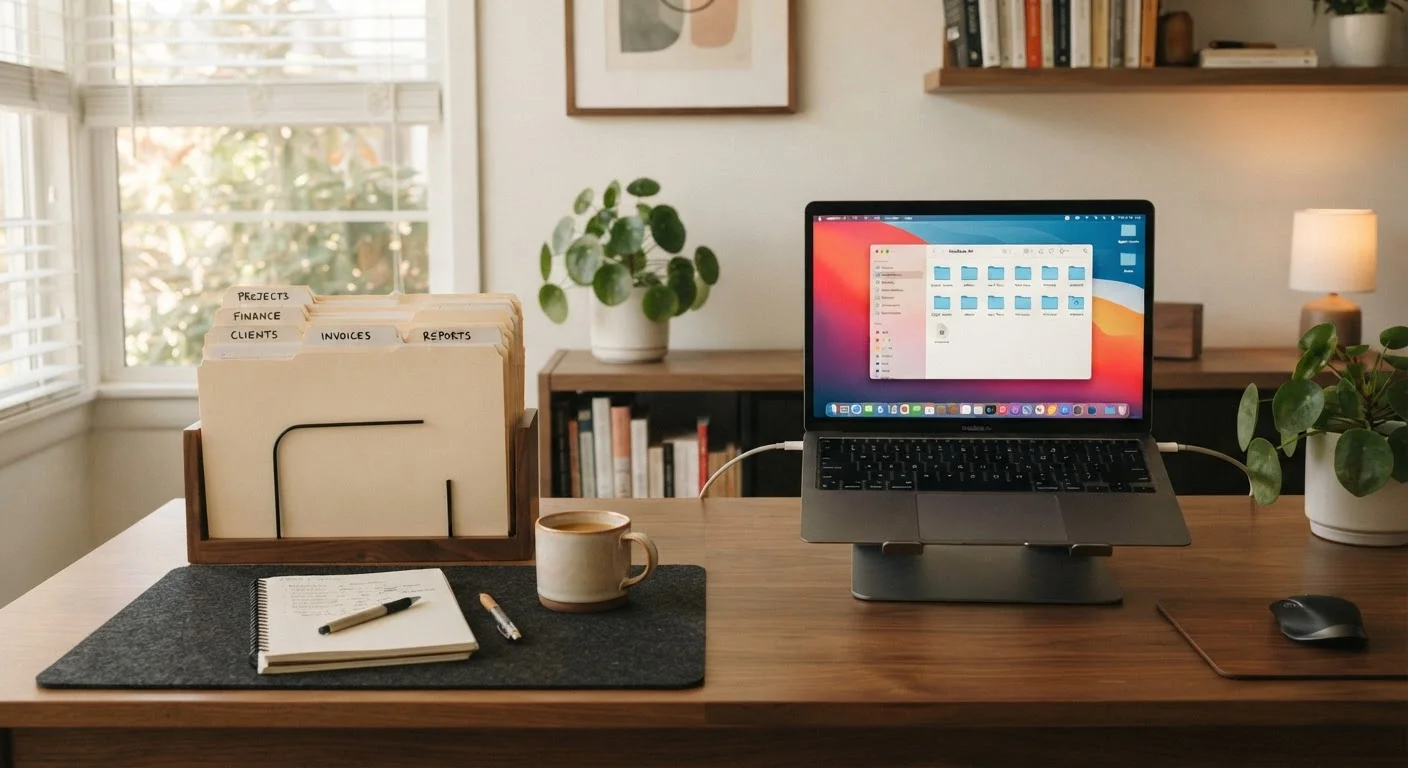
| Paper System | Digital System | Hybrid Approach | |
|---|---|---|---|
| Visibility of clutter | Immediately visible | Hidden but still present | Minimized with clear rules |
| Searchability | Manual, time-consuming | Fast with good naming | Fast for archived items |
| Risk of loss | High (fire, flood, misfile) | Low with backups | Low with backup habits |
| Setup effort | Low to moderate | Moderate to high | Moderate |
| Maintenance required | Weekly sorting needed | Regular naming & purging | Scheduled review sessions |
| Best suits | Tactile, visual processors | Multi-device, mobile users | Most mixed households |
Paper works best when it's bounded: a single inbox tray, a weekly sorting session, and a clear rule about what gets filed versus what gets shredded. Without those guardrails, paper systems collapse quickly into stacks.
The Case for Digital Organization
Digital systems offer genuine advantages in searchability, portability, and storage capacity. A well-structured folder hierarchy on a computer or cloud service can hold decades of documents that would fill a large filing cabinet, all retrievable in seconds. Automatic backups protect against loss. Sharing documents with a spouse, accountant, or contractor is nearly instant.
But digital organization demands consistent naming conventions, folder structures, and regular maintenance to stay functional. Many households scan or save documents digitally and then never name or sort them - creating a different kind of clutter that's just as hard to navigate. Inboxes used as filing systems, desktop folders named "Misc," and duplicate files scattered across multiple devices are common failure points.
It's also worth acknowledging that not every document belongs in digital form. Some originals - certain legal documents, medical records, signed contracts - may need to be kept in paper form or require certified copies. Always verify retention requirements with a qualified professional for documents that carry legal or financial weight.
Building a Hybrid System That Actually Reduces Stress
For most households, a hybrid approach delivers the best balance. The key is defining clear rules about what lives where, so you never waste time searching in both places.
- Paper inbox, digital archive: Let paper arrive, process it weekly, then scan and file anything worth keeping digitally. Shred the rest.
- Name files at the moment of saving: Use a consistent format such as
YYYY-MM-DD_DocumentType_Descriptionto make searching easy later. - Keep a small paper reference binder: Some people find it useful to maintain a single binder with frequently accessed documents - insurance cards, emergency contacts, household warranties - rather than hunting through digital storage under pressure.
- Schedule regular reviews: Set a recurring monthly or quarterly session to clear digital downloads, unsubscribe from unnecessary emails, and shred outdated paper.
This kind of routine is what separates a working system from an aspirational one. Our article on common organizing myths unpacks several assumptions that often derail exactly this kind of maintenance habit.
Start With One Category, Not Everything
Rather than overhauling your entire filing system at once, pick one category - such as medical records or household warranties - and build your hybrid process around it first. Once that feels natural, extend the same logic to other document types. Small, consistent wins build the habit more reliably than a single ambitious reorganization session.
Choosing the System That Fits Your Household
The most stress-reducing system is the one you and your household will actually maintain. Before committing to a complete overhaul, consider a few honest questions: Do you regularly open and act on digital notifications, or do they pile up? Do you feel calmer with a clear desk or a cleared inbox? Who else in your household needs access to shared documents?
If your household struggles to agree on any system at all, the challenge may be less about paper versus digital and more about shared habits and expectations. Our resource on getting everyone on board with organizing addresses exactly that dynamic. It's also worth noting that minimalist organizing philosophies - which emphasize owning and storing less to begin with - offer a related but distinct perspective worth exploring through our piece on the upsides and downsides of minimalist organization.
Ultimately, reducing organizing stress is about friction: the fewer decisions and steps it takes to file something correctly and find it later, the more likely any system is to hold over time.